What Is a Kiosk Machine? How Smart Kiosks Are Transforming Every Hospital Visit
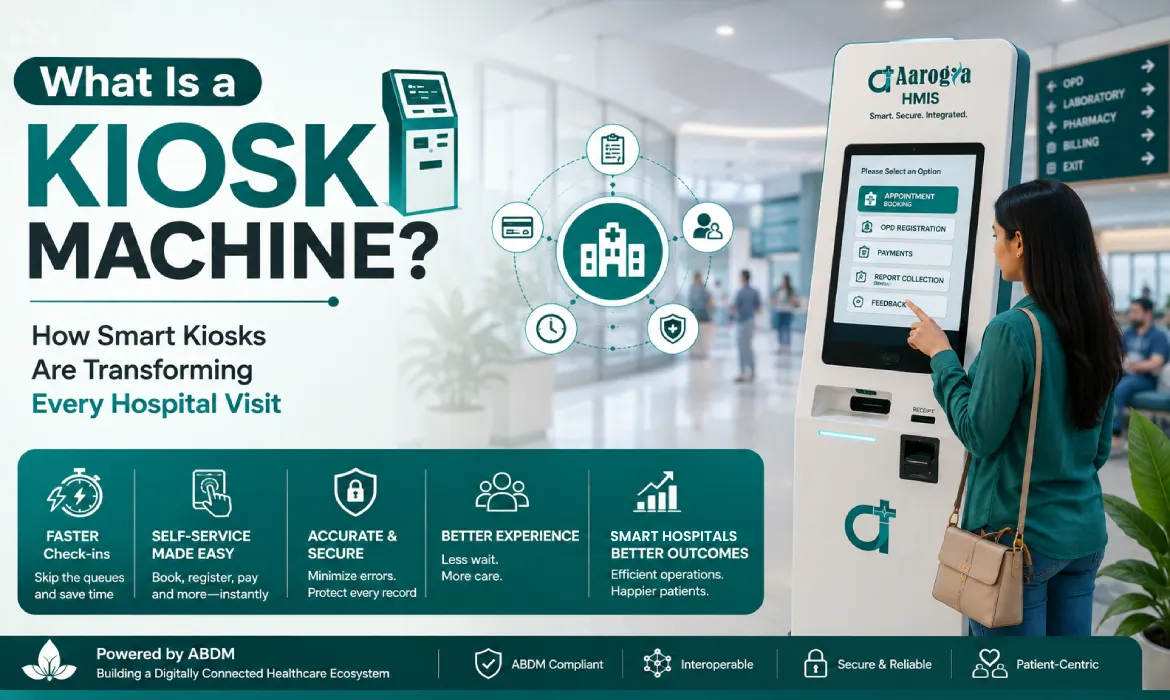
Table of Contents
ToggleWhat Is a Kiosk Machine?
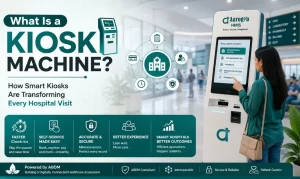
A kiosk machine is an interactive self-service device that allows people to access information, enter details, complete transactions, or use services without depending entirely on staff assistance. With a touchscreen interface and simple digital workflows, kiosk machines make everyday processes faster, easier and more convenient.
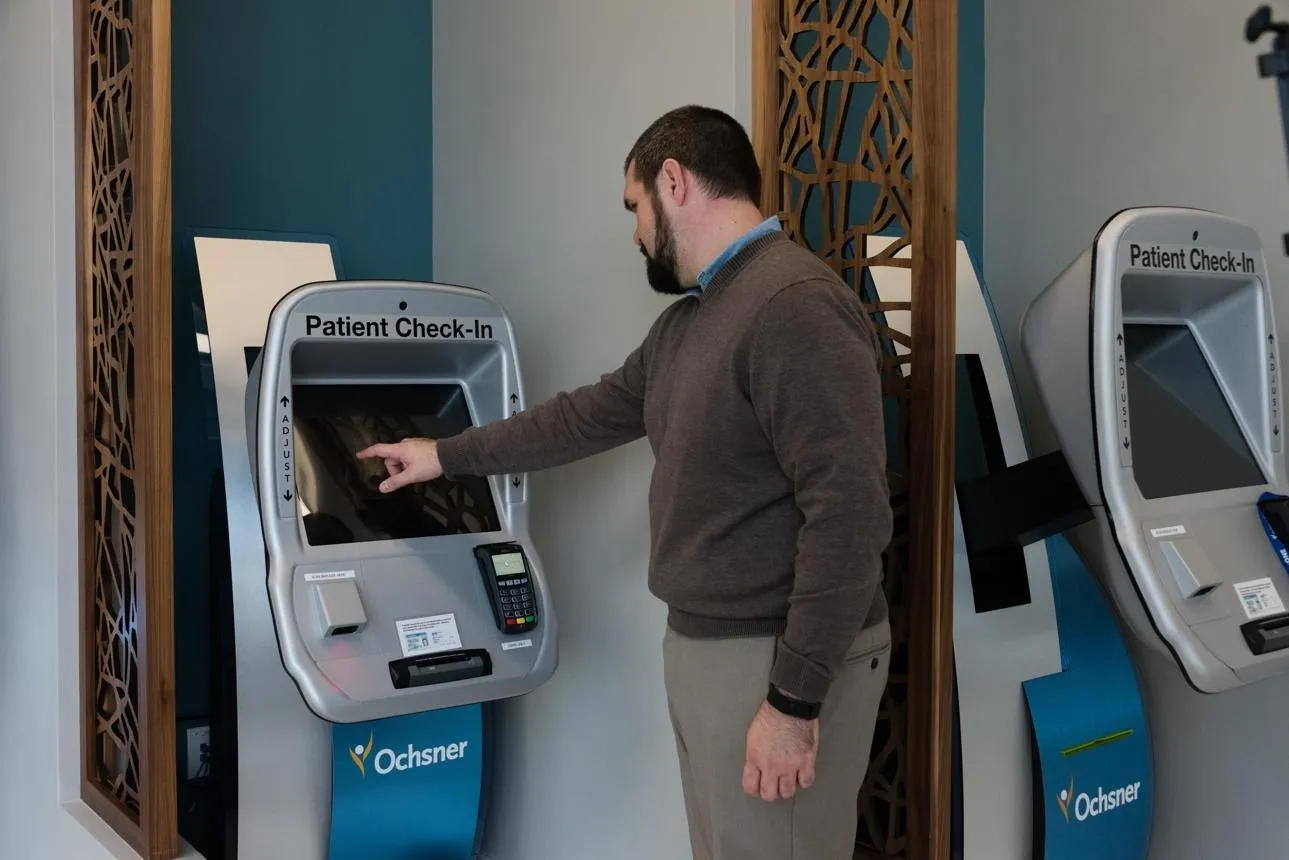
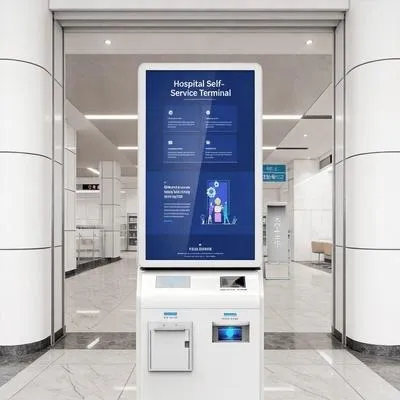
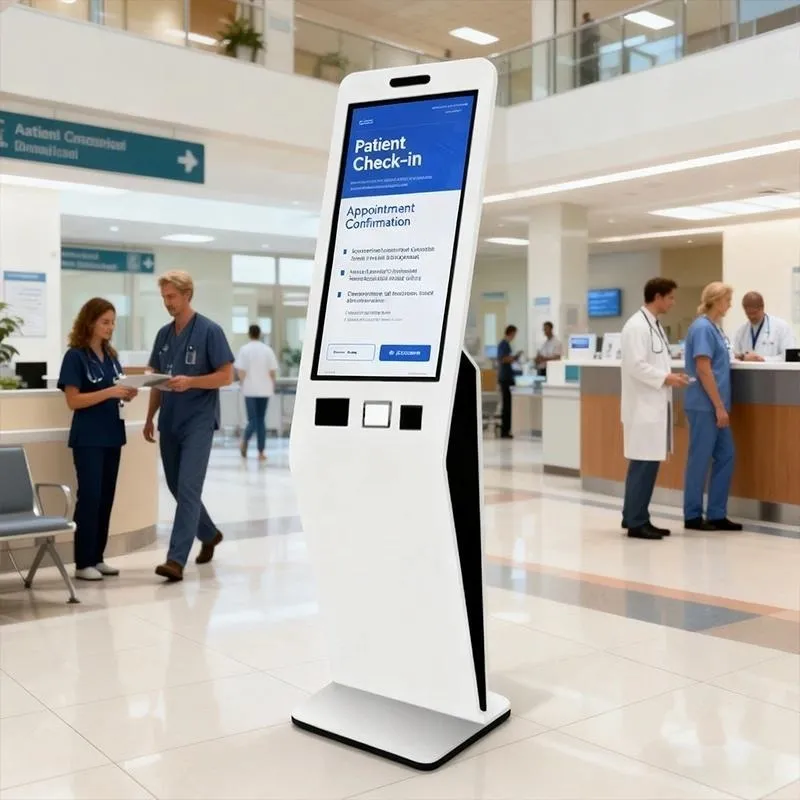
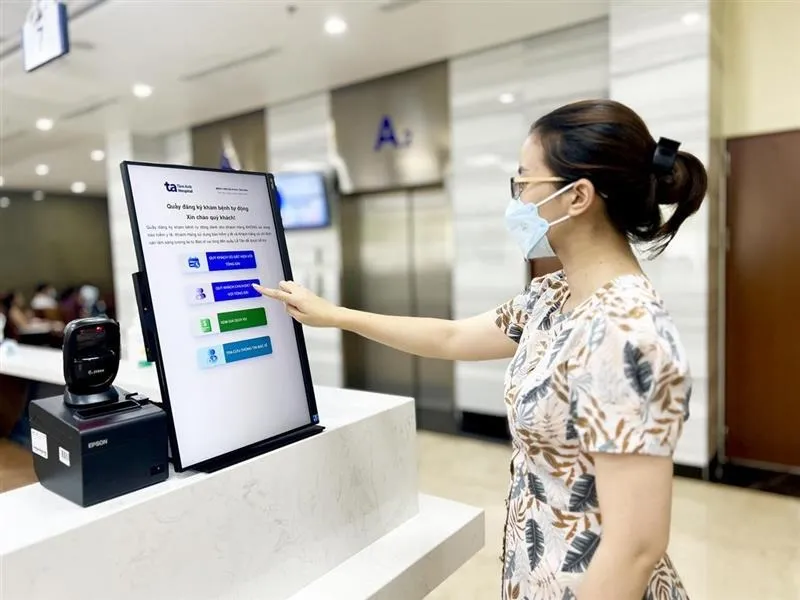
In healthcare, smart kiosk machines are helping hospitals modernize the way patients interact with front-desk services. From registration and appointment check-in to payments and token generation, a healthcare kiosk can bring multiple routine services together in one convenient digital point. Read more about Kiosk
How Are Kiosk Machines Used in Hospitals?
A hospital kiosk can support several common activities, depending on the hospital’s requirements:
Patient registration
Appointment check-in
Token generation
Patient verification
Payment and billing
Document scanning
ABHA-related services
Queue-related information
Printing of supported documents or receipts
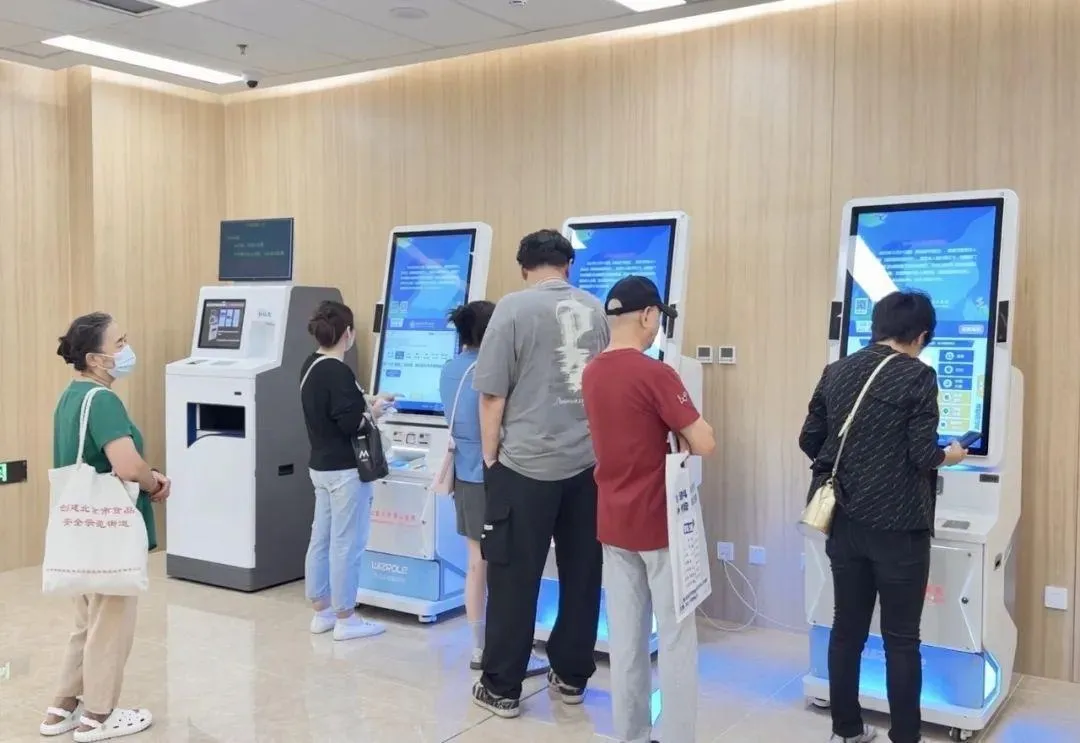
Instead of waiting at a reception counter for every routine activity, patients can complete supported services directly through the kiosk.
How Smart Kiosks Improve Every Hospital Visit
A hospital visit often begins at the reception desk. Long queues and repetitive administrative tasks can make this first interaction stressful for both patients and staff.
A smart kiosk can simplify this experience by providing a self-service digital entry point.
Faster Registration
Patients can enter or verify their information through the kiosk, helping reduce dependency on manual registration counters.
Smoother Check-In
Patients with scheduled appointments can complete supported check-in activities digitally, helping streamline the arrival process.
Reduced Waiting
By moving routine activities to self-service, hospitals can reduce pressure on reception counters and help manage patient flow more efficiently.
Convenient Payments
Where enabled, patients can complete supported payment processes directly through the kiosk.
Better Patient Experience
A simple touchscreen experience gives patients greater control over routine hospital activities while making the overall visit more convenient
Meet Aarogya Smart Kiosk
Self-Service Technology Built for Modern Hospitals
Aarogya Smart Kiosk brings digital self-service into the hospital environment, connecting supported kiosk services with the Aarogya HMIS ecosystem.
It helps hospitals simplify routine front-office activities while creating a more organized and convenient patient journey.
From Arrival to Care
Arrive → Register → Check In → Generate Token → Pay → Continue Your Visit
Aarogya Smart Kiosk helps bring supported steps of this journey into one connected digital experience.
Read Also: If you are comparing hospital management platforms before implementing a digital front desk, explore our guide to Hospital Management Software in India.
Why Are Hospitals Moving Towards Self-Service Kiosks?
Hospital reception spaces handle an unusually high volume of repetitious work.
Patient information must be input, appointments confirmed, funds processed, tokens produced, and documents collected. During peak hours, these simple processes can suddenly become bottlenecks.
A self-service kiosk can convert some of these tasks from a staff-operated counter to a patient-driven digital process.
Common difficulties at hospital front offices.
Long registration queues.
Repeated data entry.
Paper-based forms.
Increased workload during peak hours
Manual appointment confirmation.
Delays in token generation.
Repetitive demands for basic information.
Limited time for receptionists to assist patients individually.
The goal of implementing a kiosk is simple:
Make regular encounters more efficient while keeping professionals available for patients who need personal support. This approach also aligns with the broader movement towards digital and interoperable healthcare in India. The Government’s Ayushman Bharat Digital Mission (ABDM) initiative focuses on creating an integrated digital health ecosystem built around accessibility, interoperability and secure digital health services.
How Does a Patient Kiosk Work?

The user experience should be basic enough for someone using the system for the first time.
A typical patient journey could look like follows:
Step 1: The patient arrives.
The patient arrives at the hospital and approaches the kiosk.
Step 2: Select the Language
The patient selects a preferred language from the list of available possibilities.
Step 3: Verify your identity
Depending on the hospital’s workflow, the patient may need to enter their mobile number, patient ID, QR code, or another supported identifier.
Step 4: Select the Service.
The patient selects the required service, such as registration, appointment check-in, or payment.
Step 5: Fill out the required information.
The kiosk displays only the information required for that specific process.
Step 6: Complete Payment
If payment is required, the patient can complete it using the available digital payment options.
Step 7: Receive Confirmation
The patient receives the relevant confirmation, token, receipt or other output.
Step 8: Continue the Hospital Journey
The patient proceeds to the appropriate department or consultation area.
The important point is that the kiosk should guide the patient rather than overwhelm them with too many options at once.
Key Features of a Modern Healthcare Kiosk
A hospital kiosk can be configured according to the services the healthcare organization wants to make available.
Digital Patient Registration
Patients can enter or verify their basic details through a guided interface.
Appointment Management
Patients can check appointment information and, where supported, select doctors, departments or available slots.
Token Generation
A digital token can help organize patient flow and reduce confusion around queues.
ABHA Integration
Where the required integrations and workflows are implemented, the kiosk can support ABHA-related activities.
QR & Barcode Scanning
Patients can scan supported codes instead of manually entering information.
Digital Payments
The kiosk can connect with supported payment systems for applicable hospital transactions.
Receipt Printing
Patients can receive a physical receipt or confirmation where required.
Document Support
Depending on configuration, the kiosk may support document scanning or uploading.
Multilingual Interface
Multiple language options can make the system easier to use for a wider patient population.
Patient Registration Without Long Queues
Registration is one of the most obvious areas where self-service technology can help.
In a conventional process, a patient approaches the counter, provides information, waits for the staff member to enter it and then waits again for confirmation.
With a kiosk, part of this process can move directly to the patient.
For a returning patient, the experience can be even simpler if the hospital’s system can identify their existing record and ask them to verify or update only the necessary information.
This can help reduce:
Repeated data entry
Manual paperwork
Counter dependency
Waiting at reception
Errors caused by transcription
The objective isn’t simply to make registration digital.
It is to make the entire registration experience less repetitive.
Appointment Booking and Token Management
Appointments and queues are closely connected to patient experience.
A patient may have an appointment but still need to stand in a separate queue to confirm arrival. A kiosk can help bring these steps into a more connected workflow.
Depending on the hospital’s implementation, patients can use the kiosk to:
- Confirm an appointment
- Select a department
- Select a doctor
- Generate a token
- Complete applicable payments
- Receive confirmation
- Proceed towards consultation
This can give hospitals better visibility into patient movement while giving patients a clearer idea of what they need to do next.
ABHA and Digital Healthcare Integration
India’s healthcare ecosystem is moving towards greater digital connectivity through initiatives such as the Ayushman Bharat Digital Mission (ABDM).
ABDM is intended to support a connected and interoperable digital health ecosystem. Its building blocks include digital health identities and registries that help different participants work within a standardized ecosystem.
Learn more: ABDM – Official Portal
For a hospital kiosk, ABHA-related functionality can provide another digital touchpoint for patients.
Depending on the implementation and applicable government workflows, the kiosk can be designed to support activities such as:
ABHA-related verification
QR-based interactions
Patient identification
Digital health workflows
Connected patient journeys
The exact capabilities should always be validated against the current ABDM specifications and the hospital’s technical implementation.
Digital Payments and Paperless Workflows
Payment is another activity that can create unnecessary queues at hospital counters.
A connected kiosk can allow patients to complete supported payments digitally and receive confirmation without requiring a separate counter interaction.
This can be useful for:
Registration charges
Consultation payments
Other applicable hospital services
Receipt generation
Moving these processes digitally can also reduce dependence on printed paperwork.
More importantly, when the kiosk communicates with the hospital’s backend system, the transaction can become part of the larger digital workflow instead of remaining an isolated payment event.
How Patient Kiosks Improve Hospital Operations
The biggest advantage of a kiosk is not the machine itself.
It is what happens behind the screen.
When routine activities are digitized and connected to hospital systems, the hospital can potentially improve several operational areas.
Faster Front-Office Processing
Patients can complete supported tasks without waiting for every step to be handled manually.
Reduced Reception Workload
Staff can spend less time entering routine information.
Better Patient Flow
Digital tokens and structured workflows can make movement through the hospital easier to manage.
Improved Data Accuracy
Patients can directly verify information before submission, reducing certain types of manual entry errors.
Better Visibility
Connected systems can provide hospital teams with more timely information about registrations, appointments and transactions.
Better Patient Experience
Less waiting and fewer repetitive steps can make the first interaction with the hospital more comfortable.
Designed for Every Patient
Technology should not become another barrier inside a hospital.
A healthcare kiosk needs to work for people with different ages, languages and levels of digital familiarity.
A patient-friendly design should therefore focus on:
Simple Navigation
Use clear instructions and avoid unnecessary steps.
Large Touch Targets
Buttons should be easy to identify and select.
Multilingual Support
Patients should have access to supported languages where available.
Clear Visual Guidance
Icons, labels and progress indicators can help users understand where they are in the process.
Accessible Interaction
The kiosk’s physical placement and interface should consider elderly users and people with accessibility requirements.
Assistance Option
Not every patient will want to use self-service. Hospitals should provide a clear route to staff assistance when needed.
A good kiosk experience is not about forcing everyone to use technology.
It is about giving patients another convenient choice.
Connecting the Kiosk With Hospital HMIS
This is where a patient kiosk becomes considerably more valuable.
A standalone kiosk can collect information.
A connected kiosk can become part of the hospital’s operational ecosystem.
When integrated with an HMIS, information captured during a kiosk interaction can potentially flow into relevant hospital workflows.
For example:
Patient → Kiosk → HMIS → Registration → Appointment → Queue → Consultation
Instead of creating another isolated database, the kiosk becomes a digital access point to existing hospital processes.
For hospitals using Aarogya HMIS, the kiosk can be positioned as an extension of the hospital’s digital front office, subject to the required configuration and integrations.
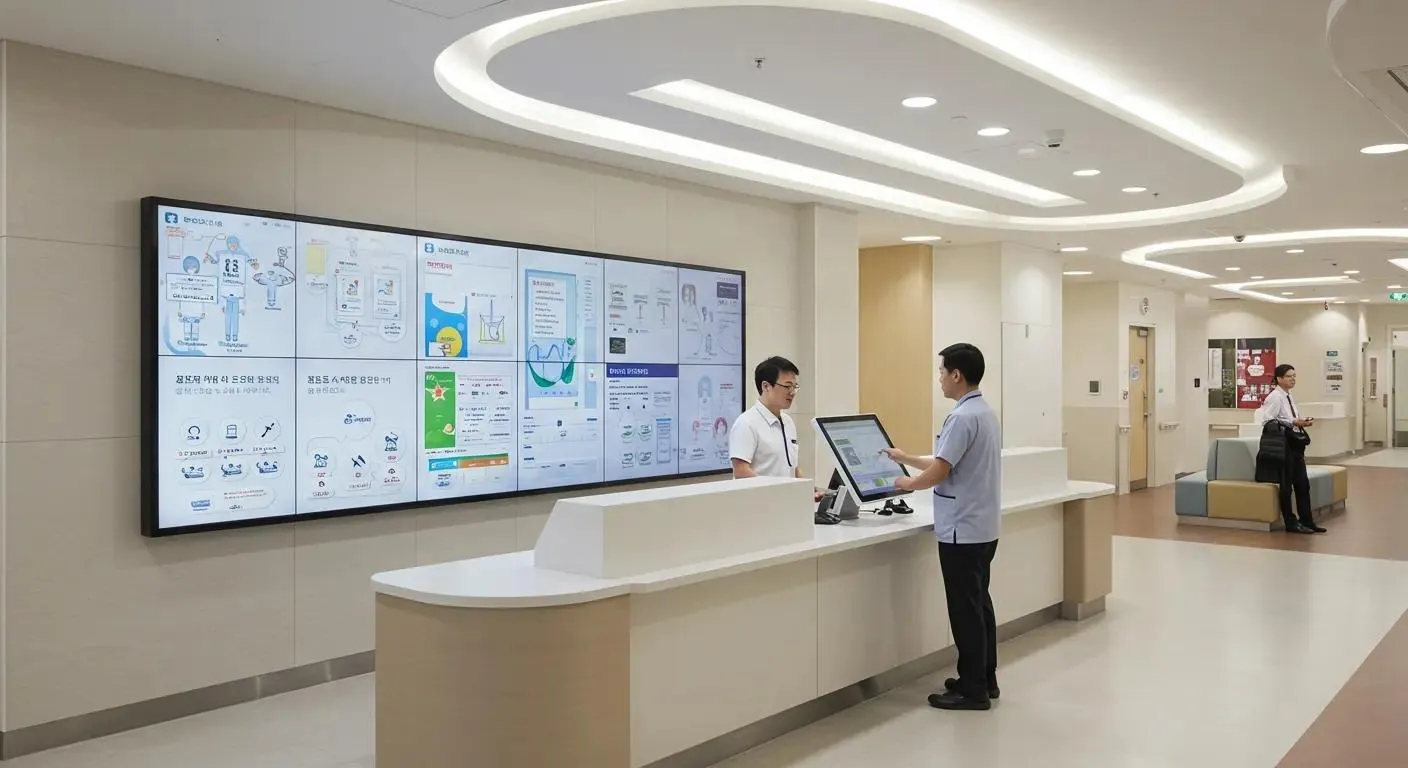
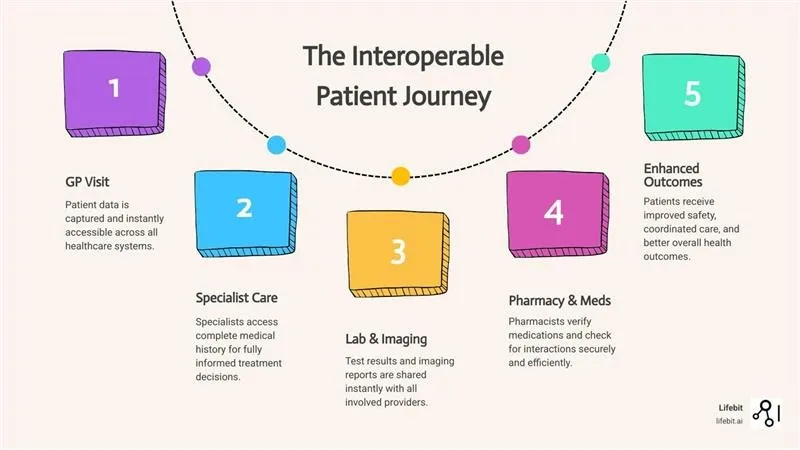
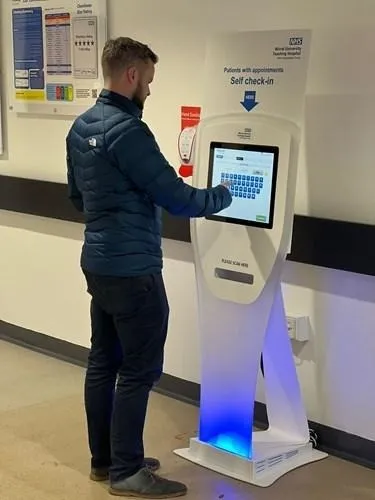
Security and Privacy in Healthcare Kiosks
Healthcare information is sensitive, so convenience cannot come at the cost of security.
A hospital implementing a kiosk should consider security throughout the complete workflow.
Important areas include:
Secure authentication
Role-based access
Encryption
Session timeout
Audit logging
Controlled data access
Secure system integration
Data backup
Privacy-conscious screen design
The kiosk should also avoid leaving a patient’s information visible after the session ends.
For systems that exchange healthcare information electronically, interoperability standards such as HL7 FHIR provide structured approaches for exchanging healthcare data. HL7 describes FHIR as a standard for electronic healthcare information exchange, built around reusable resources and implementation guidance.
Where Can Hospitals Deploy Patient Kiosks?
A kiosk does not necessarily have to sit at the main entrance.
Hospitals can consider different locations depending on patient movement and service requirements.
Main Reception
Ideal for registration and first-time patient interactions.
OPD Area
Useful for appointment confirmation and token generation.
Diagnostic Centre
Can support patient check-in and selected administrative workflows.
Billing Area
Can provide another point for supported payment activities.
Pharmacy
Depending on integration, kiosks can support selected patient-facing workflows.
Specialty Departments
Useful where patient volumes create repeated administrative interactions.
The best location depends on where the hospital experiences the greatest operational bottleneck.
Patient Kiosk vs Traditional Reception Process
Traditional Process | Kiosk-Assisted Process |
|
|
|
|
|
|
|
|
|
|
|
|
|
|
The kiosk doesn’t eliminate the reception desk.Instead, it helps create a hybrid front-office model where staff and self-service technology work together.
Why Aarogya Smart Patient Kiosk?
Think of it as a 24×7 Digital Receptionist.
Aarogya Smart Patient Kiosk is designed to bring essential patient-facing services closer to the patient.
Instead of treating registration, appointment booking, payments and queue management as separate activities, the kiosk can connect them into a guided digital journey.
Intelligent Self-Service
Give patients a modern way to complete routine hospital interactions independently.
Smart Queue Management
Support organized patient movement with digital token and queue workflows.
Seamless HMIS Integration
Connect patient-facing interactions with hospital operations through the Aarogya ecosystem.
Multilingual Experience
Make digital healthcare easier to navigate for patients from different language backgrounds.
Secure Digital Workflows
Support controlled access and secure handling of patient information.
Scalable Approach
Build a front-office experience that can expand as hospital requirements evolve.
The idea is simple: fewer unnecessary steps for patients, less repetitive work for staff, and a more connected hospital experience.
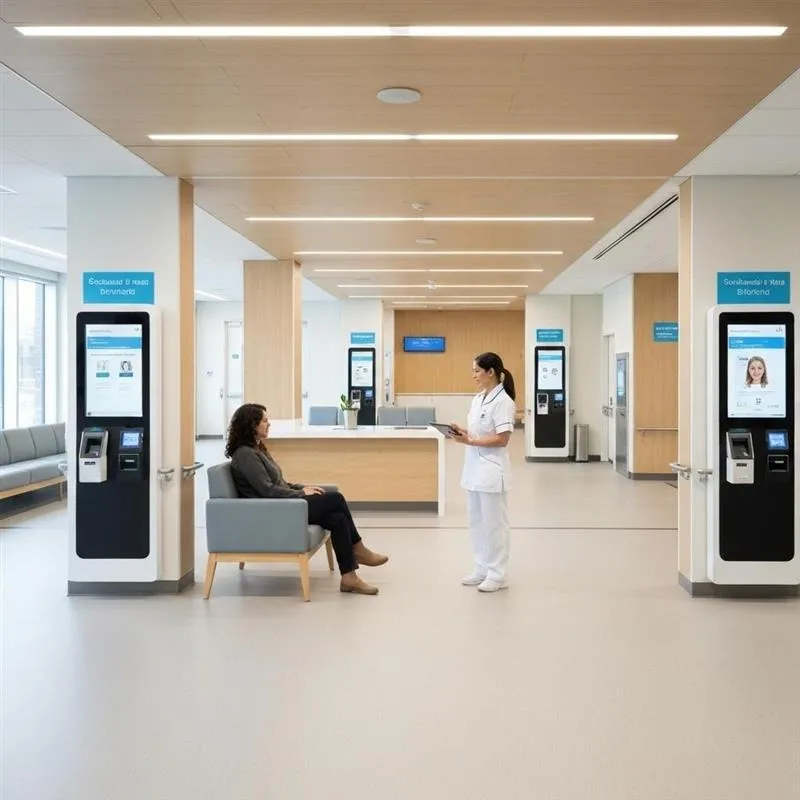
The Future of the Hospital Front Desk Is More Connected
A patient may remember the doctor, the treatment and the care they received.
But they also remember what happened before they reached the consultation room.
How long did they wait?
Was registration easy?
Could they understand the process?
Did they know where to go next?
These small interactions influence the overall perception of a hospital.
Patient kiosks offer hospitals a way to redesign those interactions around speed, simplicity and digital convenience.
When connected with an HMIS and supported by appropriate digital health integrations, a kiosk can become much more than a registration machine. It can serve as a digital front door to the hospital.
Conclusion
Healthcare is becoming increasingly digital, but digital transformation does not always need to mean complicated technology.
Sometimes, it can begin with something as simple as making registration easier.
A patient kiosk can give people a faster way to interact with the hospital while allowing staff to focus on tasks that require human attention. From registration and appointments to payments, tokens and digital health interactions, the right kiosk can bring several front-office activities into one guided experience.
For hospitals looking to modernize their reception areas, the goal should not simply be to install a machine.
The goal should be to create a better patient journey.
With Aarogya Smart Patient Kiosk, hospitals can take a step towards a more connected, self-service and patient-focused digital front office.
Ready to modernize your hospital reception?
Explore Aarogya Smart Patient Kiosk and discover how a smarter digital front desk can improve the patient experience.
Explore Aarogya HMIS | Contact Us
FAQs
1. How much does a hospital kiosk cost?
The cost depends on the kiosk hardware, touchscreen, payment options, scanning or printing requirements, software features and required HMIS integrations.
2. Can patients use a kiosk without an appointment?
Yes. Depending on the hospital’s configuration, a kiosk can support walk-in registration, token generation and other services in addition to appointment-based check-in.
3. Can a hospital kiosk support multiple languages?
Yes. Kiosks can be configured with multiple language options, depending on the software and hospital requirements, making self-service easier for a wider range of patients.
4. How does Aarogya Smart Patient Kiosk integrate with HMIS?
Aarogya Smart Patient Kiosk can connect supported self-service activities with the Aarogya HMIS ecosystem, helping streamline registration, appointments, token management, payments and other configured patient workflows.
5. Why should hospitals choose Aarogya Smart Patient Kiosk?
Aarogya Smart Patient Kiosk combines self-service technology with hospital workflows, helping reduce front-desk workload, improve patient flow and create a faster, more convenient digital experience for
Categories
Recent Posts
-
 28 Sep 2026What is NABH? Full Form, Accreditation, Certification & NABH-Certified HMS Explained
 -
08 Sep 2026EMR Software: What It Is, How It Works, Key Benefits, Features, and the Future of Digital Healthcare
-
16 Aug 2026What Is a Kiosk Machine? Smart Kiosks in Healthcare | Aarogya
-
27 Jul 2026Patient Drug Registry, Unified Health Interface (UHI) & NHCX FHIR: How Aarogya HMIS Can Power India's Next Generation Digital Healthcare
-
29 Jun 2026Best HMIS Software in Kolkata 2026: How Digital Healthcare Is Transforming Patient Care Across the City
-
25 Jun 2026Best Bank Reconciliation Software | Automated Bank Reconciliation with Aarogya
-
04 Jun 2026Best Hospital Management Software(HMIS) in Kanpur 2026: Complete Guide to Modern HMIS Solutions
-
26 May 2026Ophthalmology EMR Software in India 2026: Complete Guide to the Best Eye Hospital Management System
-
22 May 2026What is NABH? Full Form, Digital NABH, NHCX & HMIS Integration Explained (2026)
-
06 May 2026Best HMIS Software in Bangalore 2026: Complete Guide to Choosing the Right Hospital Management System